Upgrade Your Audio Editing Skills: A Comprehensive Guide for Beginners
PP
Understanding the Basics of Audio Editing
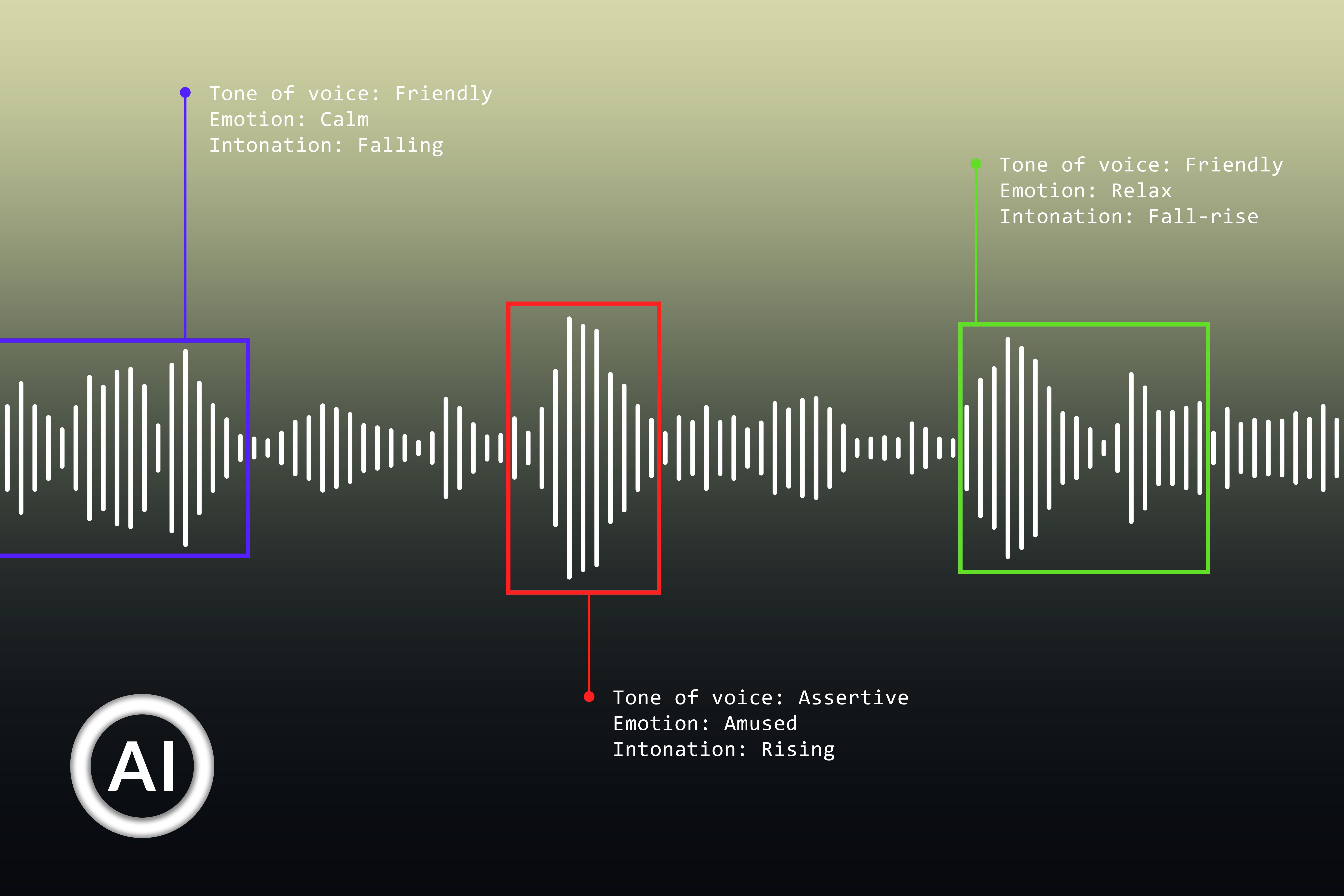
Starting with audio editing can be both exciting and overwhelming. As a beginner, grasping the basic concepts is crucial for a smooth journey. Audio editing involves manipulating audio files to enhance sound quality, remove unwanted parts, or add effects. Familiarize yourself with common terms like waveform, clipping, and normalization to build a solid foundation.
To begin, invest in user-friendly software. Popular choices include Audacity and GarageBand. These tools offer a range of features to help you get started without feeling lost. As you become more comfortable, you can explore more advanced software.

Essential Tools and Features
Audio editing software comes with a variety of tools designed to enhance your audio projects. Some essential features to look for include:
- Cut, Copy, and Paste: Basic functions that allow you to rearrange your audio files.
- Effects and Filters: Use these to enhance sound quality or add creative elements.
- Multi-track Editing: This feature allows you to work with multiple audio tracks simultaneously, perfect for creating complex projects.
Understanding these tools will greatly improve your editing efficiency and creativity. Experiment with different features to discover what works best for your style.

Improving Sound Quality
Good sound quality is crucial for any audio project. Start by learning how to adjust the EQ (Equalization) settings. EQ helps balance the frequencies in your audio, making it sound more professional. Another essential technique is noise reduction, which helps eliminate background noise that can distract from the main content.
Additionally, consider using compression to control the dynamic range of your audio. This ensures that the quiet and loud parts of your recording are balanced, providing a consistent listening experience.
Editing Techniques for Beginners
Mastering editing techniques is key to creating polished audio content. Begin with simple tasks like trimming silence or unwanted sections. This helps maintain the listener's attention and keeps your content engaging. Crossfading is another useful technique; it smoothly transitions between audio clips, creating a seamless listening experience.
Once you're comfortable with the basics, try experimenting with layering sounds. This involves combining different audio elements to create a richer, more dynamic soundscape.
Exporting and Sharing Your Work
After editing your audio, it's time to export and share your work. Most software allows you to export in various formats, such as MP3 or WAV. Choose a format that suits your needs, considering factors like sound quality and file size.
Once your project is ready, share it on platforms relevant to your audience. Whether it's a podcast, music track, or voiceover, getting your content out there is an essential step in building your skills and gaining feedback.
Continuous Learning and Improvement
The world of audio editing is vast and ever-evolving. Stay updated with the latest trends and techniques by following online tutorials, joining forums, or attending workshops. Engaging with a community of like-minded individuals can provide valuable insights and inspiration.
Remember, practice is key. The more you experiment and explore, the more proficient you'll become. Over time, your skills will grow, leading to more professional and creative projects.